Managing Flow
The goal isn’t to stack work up — it’s to keep it flowing.
Work gets finished when it moves a stage at a time, not when it sits still. toodoori separates the place where you collect tasks from the place where you work on them, so a passing thought never blocks the board and tasks can flow naturally.
Inbox — collect first
Judging where to put every thought the moment it appears is tiring. Drop it into the Inbox first and organize later. Just emptying your head makes things lighter. When you’re ready, move what you collected onto the right stage on the board.
WIP limits — one at a time
Piling tasks into ‘In Progress’ tends to mean nothing gets finished. toodoori lets you set a work in progress (WIP) limit (how many tasks can sit there at once) on stages in the ‘In Progress’ group. With a set number in flight, you finish what’s in hand before starting something new.
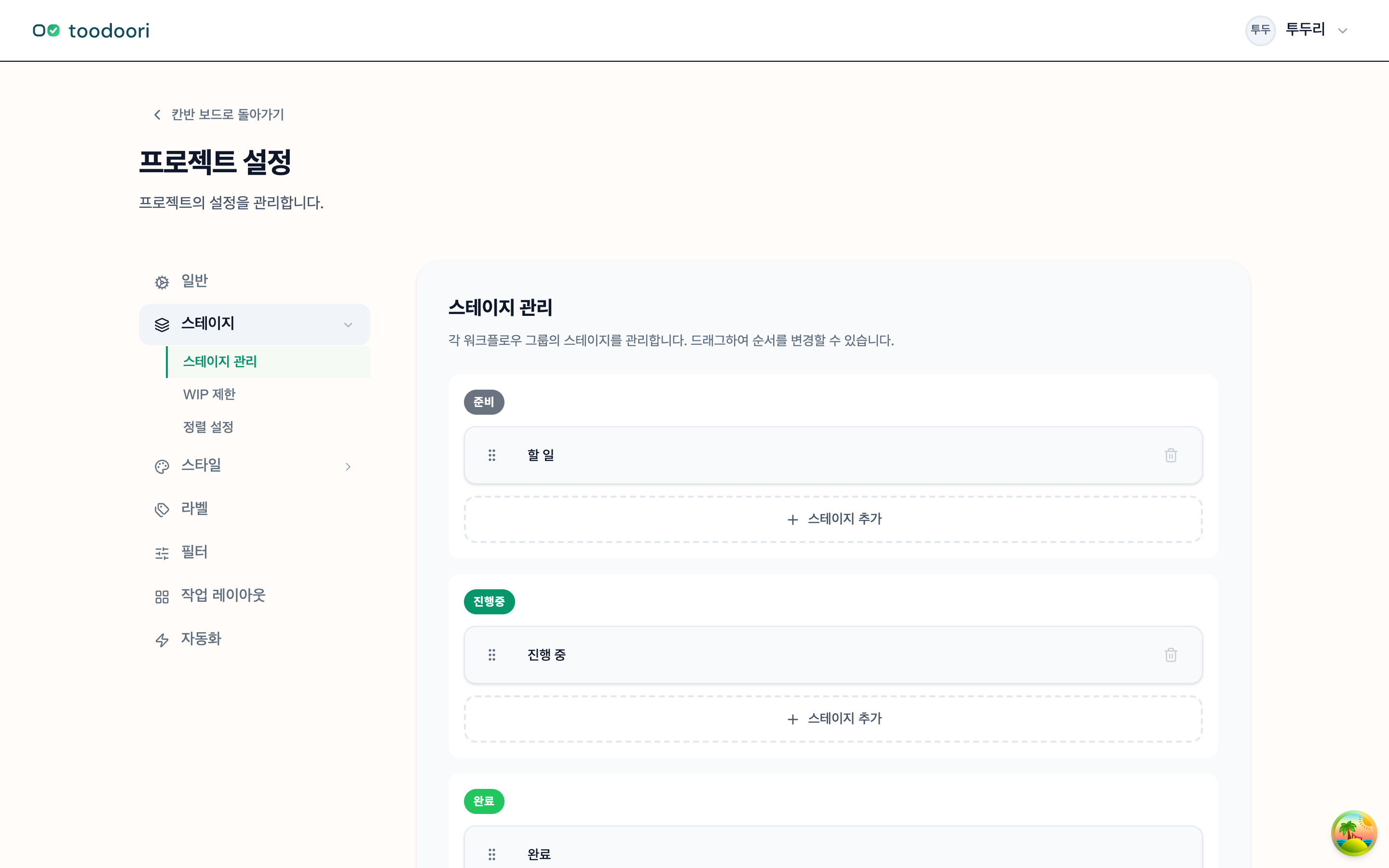
- Soft mode: shows a warning when you exceed the limit.
- Hard mode: temporarily blocks further moves when you exceed the limit.
Start with Soft to gauge your own capacity, then switch to Hard for a clearer setup once you’re used to it.
You choose today’s tasks
Today includes unfinished tasks due today or earlier, plus tasks you choose manually. Choosing a task for Today leaves its workflow stage unchanged. See Today: Choose Your Daily Tasks for selection, automatic inclusion, and reviewing yesterday’s work.
Reading the flow differently
The same work can be seen in different ways. Use the board to see flow by stage, and the timeline to see how dates line up before and after. Which views exist and what each is for is covered in Kanban Board.
Worth reading next
- WIP Limits: Choosing What to Start and What to Defer — getting your flow back with WIP limits
- Kanban Board — where tasks collected in the Inbox move through stages
- Attuned Response — how today’s unfinished tasks are handled without nagging